

Notes, tasks & freeform drawing on one canvas
Forma is a native Mac app that replaces sticky notes and task lists with a single spatial workspace. Organize everything visually — no account, no subscription.

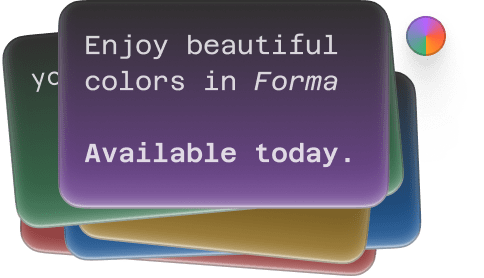
Color cards & iCloud sync are here
Use color to code cards with priority, project or anything else and enjoy iCloud sync in this new version. Read more →


 Click and drag to create a card


Didn't expect to like it this much. Super simple, but somehow makes organizing things feel lighter and clearer.
Not your average tasks app
Primitive task lists are over. Spatial canvas is where it’s at.
Canvas-based
01
A layout that is not limiting your creativity.
Marker tool
02
Productivity Chart
03
Your productivity each day, visualized.
Cards with markdown
04
Simple, yet powerful
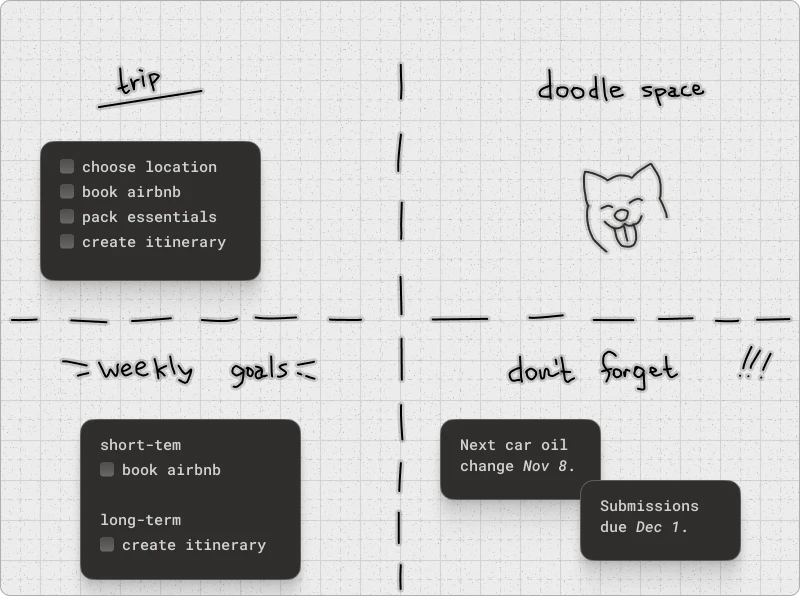
The canvas is your oyster
Build any canvas layout you want – project boards, freeform notes, or your own system, right on your Mac.
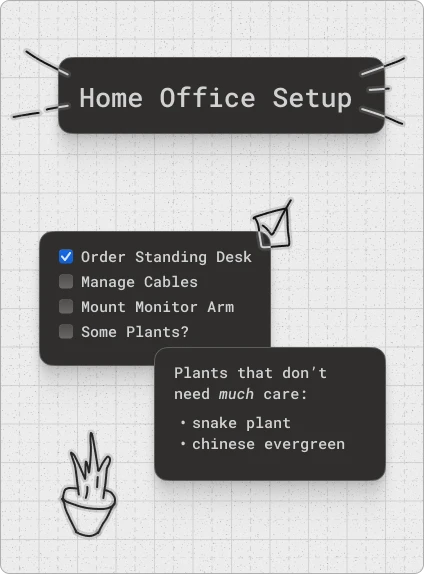
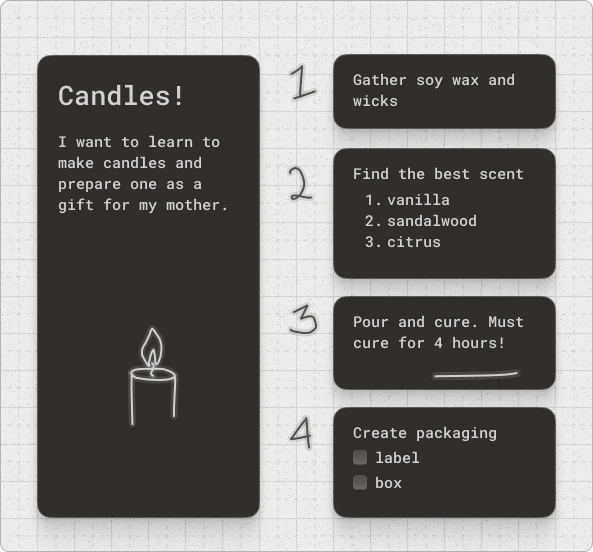
Beautifully designed
Forma is a native MacOS app with a focus on design, built by a product designer.
Snap to grid
With creative freedom sometimes comes inconsistency. Grids help keep everything uniform without much restriction.
Shortcuts you’ll use
The tools available can be switched between using ‘1’, ‘2’ and ‘3’ keys.
No card will get lost
A card that is fully covered will still let you know it’s there.
...and a million other small delights.
Frequent questions

If you think visually and want to organize notes and tasks on a canvas rather than in lists, Forma is a strong fit. It works especially well for solo creators, designers, and developers who plan projects spatially and find folder-based tools limiting.
Yes. Forma stores everything locally on your Mac. iCloud sync is on by default and securely syncs your data through Apple's own iCloud servers — never through Forma's — and you can turn it off anytime in settings. No account beyond your Apple ID is required, and there is no telemetry or third-party tracking.
Forma requires macOS 14 Sonoma or later. It is optimized for Apple Silicon and runs natively on M-series Macs, with full support for Intel Macs on macOS 14+.
Yes. Forma syncs across your Macs via iCloud, on by default, so your boards stay up to date securely through Apple's servers — you can turn this off in settings if you'd rather keep everything on one Mac. Everything is also stored locally, so boards load instantly and work fully offline — an internet connection is only needed for sync, not to create, edit, or view them.
Obsidian Canvas is built for linked Markdown notes and works best if you already use Obsidian for a knowledge base — it is a view onto your vault. Forma combines notes and tasks on a single canvas as its whole purpose, designed for daily project management rather than for browsing a note archive.
Forma is not free — it is a one-time purchase of $9.99 with no subscription, so you pay once and own it permanently. There is no free trial, but Forma is sold through the Mac App Store, which offers refunds through Apple's standard refund process. If you want a free canvas app first, Apple Freeform comes built into macOS.
Forma is available on the Mac App Store — click "get forma" anywhere on this page and it opens the App Store listing directly. It installs like any other Mac app, works on MacBook Air, MacBook Pro, iMac, and Mac mini, and requires no account to start using once installed.
Apple Freeform is free and pre-installed, and it is a good sketching whiteboard. The limits show up as you use it: boards pile into one flat list with no folders, there is no way to turn a sticky note into a task, and drawing is iPad-and-Pencil oriented. Forma is built for the part that comes after the brainstorm — organizing many boards, and keeping notes and tasks together on the same canvas.
Yes. Forma includes freehand drawing directly on the canvas, so you can sketch, annotate, and mark up alongside your note and task cards rather than in a separate mode or a separate app.
Miro and Notion are cloud-based collaboration tools designed for teams and require accounts and subscriptions. Forma is a native Mac app for individuals — local-first with iCloud sync built in (on by default, and can be turned off), subscription-free, and focused on personal spatial organization rather than team workflows or document management.
